
Make Every Visual Editable
From slides to designs. Choose where to start.

Codia NoteSlide
Make every slide shine.
Convert, generate, and beautify your next presentation.
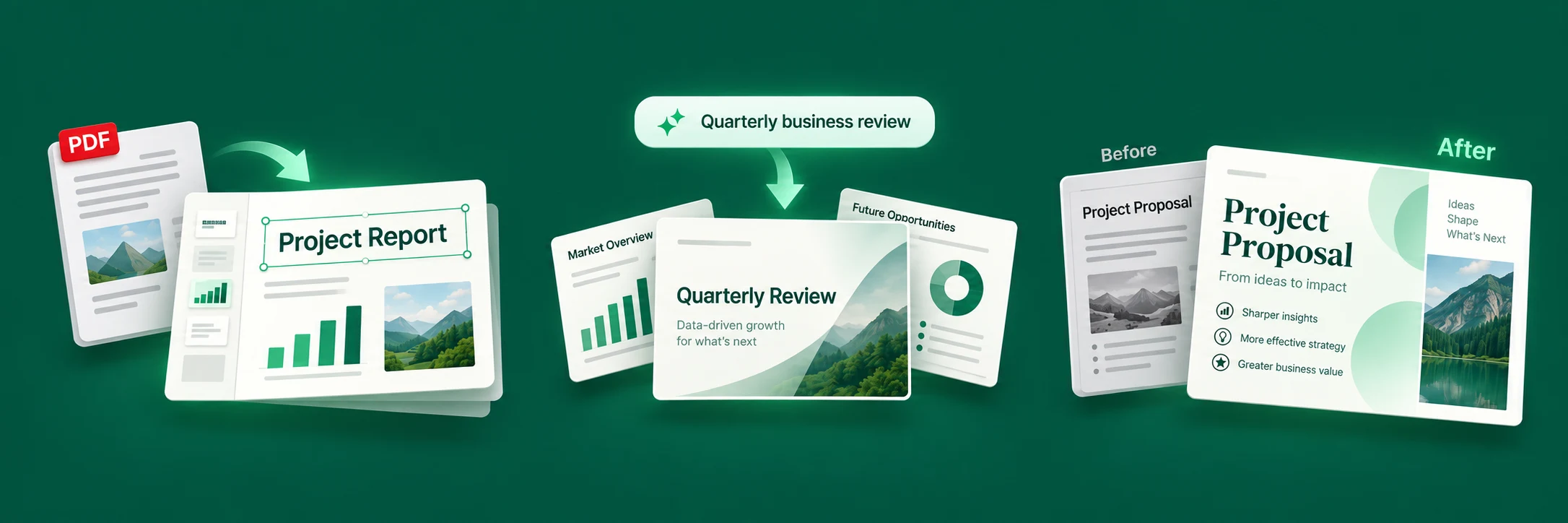
Turn slides into editable content
Rebuild PDFs and images as editable slides.
Create slides from an idea
Start with a topic. Let AI build your presentation.
Give your slides a fresh look
Refine layouts and visuals to make your ideas stand out.
Codia AI Design
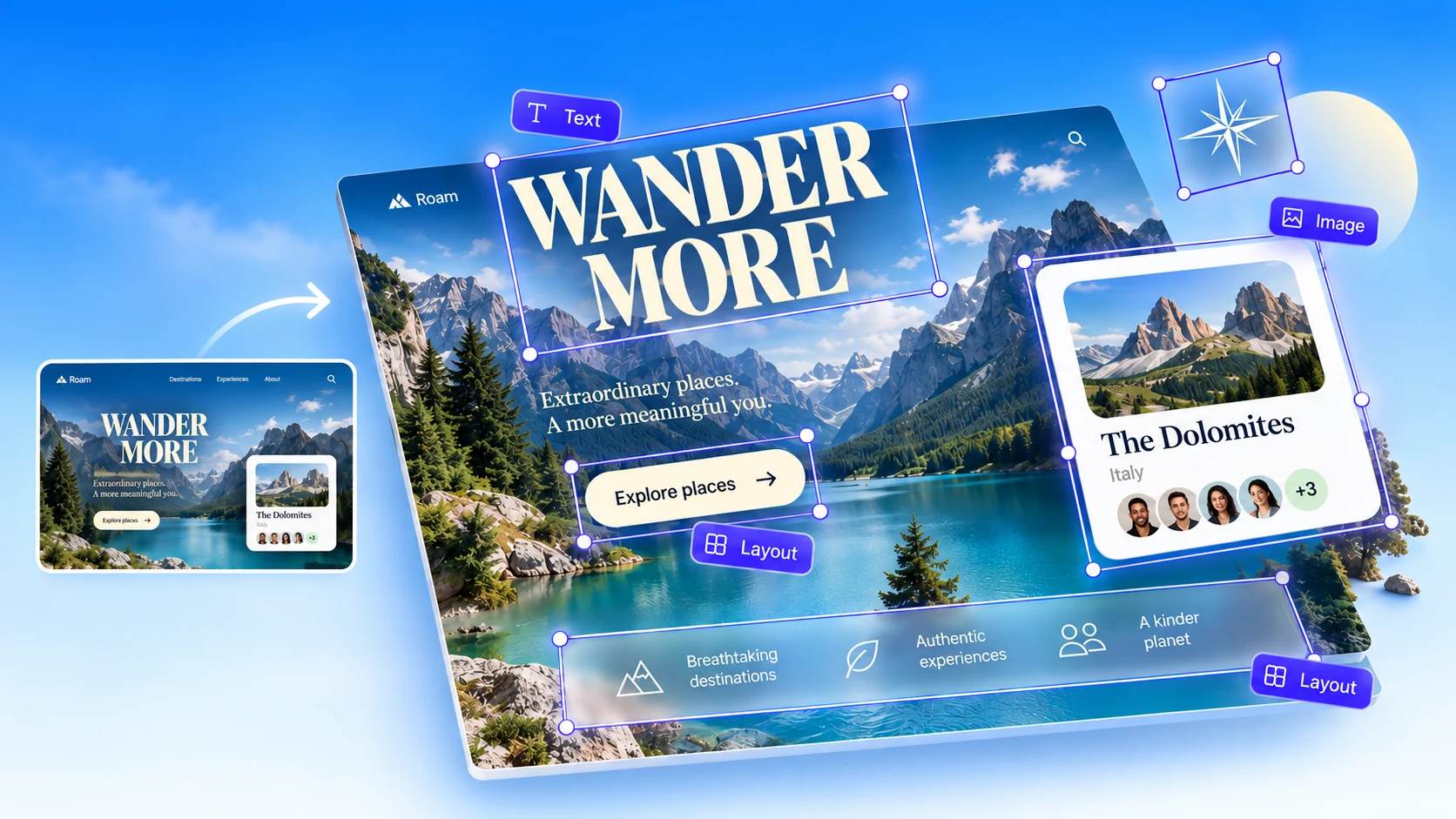
Turn screenshots back into designs.
Rebuild images as editable text, visuals, and layouts. Keep creating in the tools you know.
FEATURED
Figma to Code
Turn your Figma designs into responsive, production-ready code. Clean, maintainable output powered by advanced AI models.

Built for common creative workflows
From Static Visuals to Editable Workflows
Most visual content is trapped in flat images, PDFs, screenshots, or locked design formats. Codia reconstructs them into editable text, shapes, layers, layouts, and design objects.

Convert
Turn static visuals into editable files.
Convert PDFs, screenshots, images, slides, and design files into editable formats.

Edit
Edit every element, not just the whole image.
Modify text, shapes, colors, layouts, icons, and visual elements after conversion.

Reuse
Bring visuals into your real workflow.
Export to PowerPoint, Figma, Canva, Keynote, SVG, and other production-ready formats.
Real product examples
See what Codia actually rebuilds
These are product examples, not customer endorsements. Each one shows the original input, the rebuilt output, and the review points a real workflow should check.
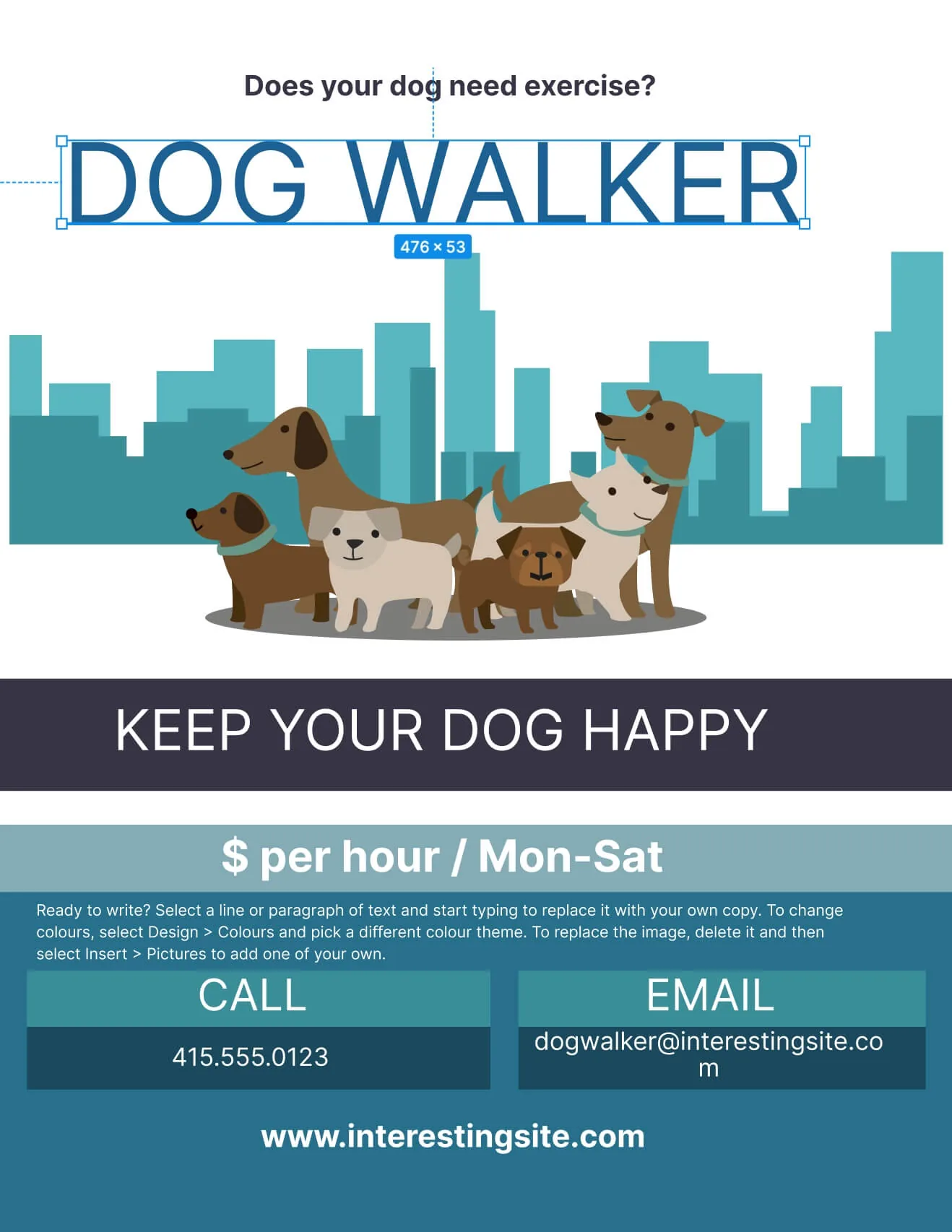
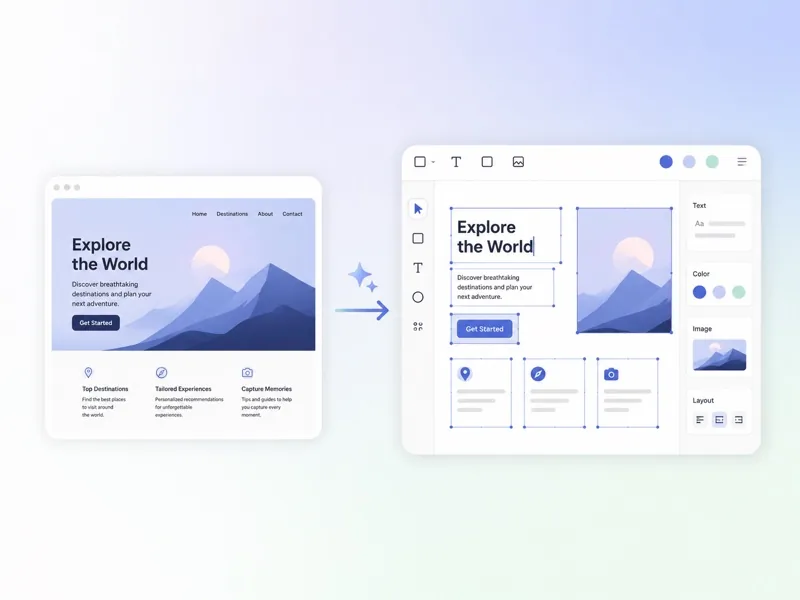
Screenshot to editable design
Rebuild a static interface reference into editable layout, text, and visual layers you can refine in design tools.
- Editable text blocks
- Reconstructed visual hierarchy
- Designer review still recommended
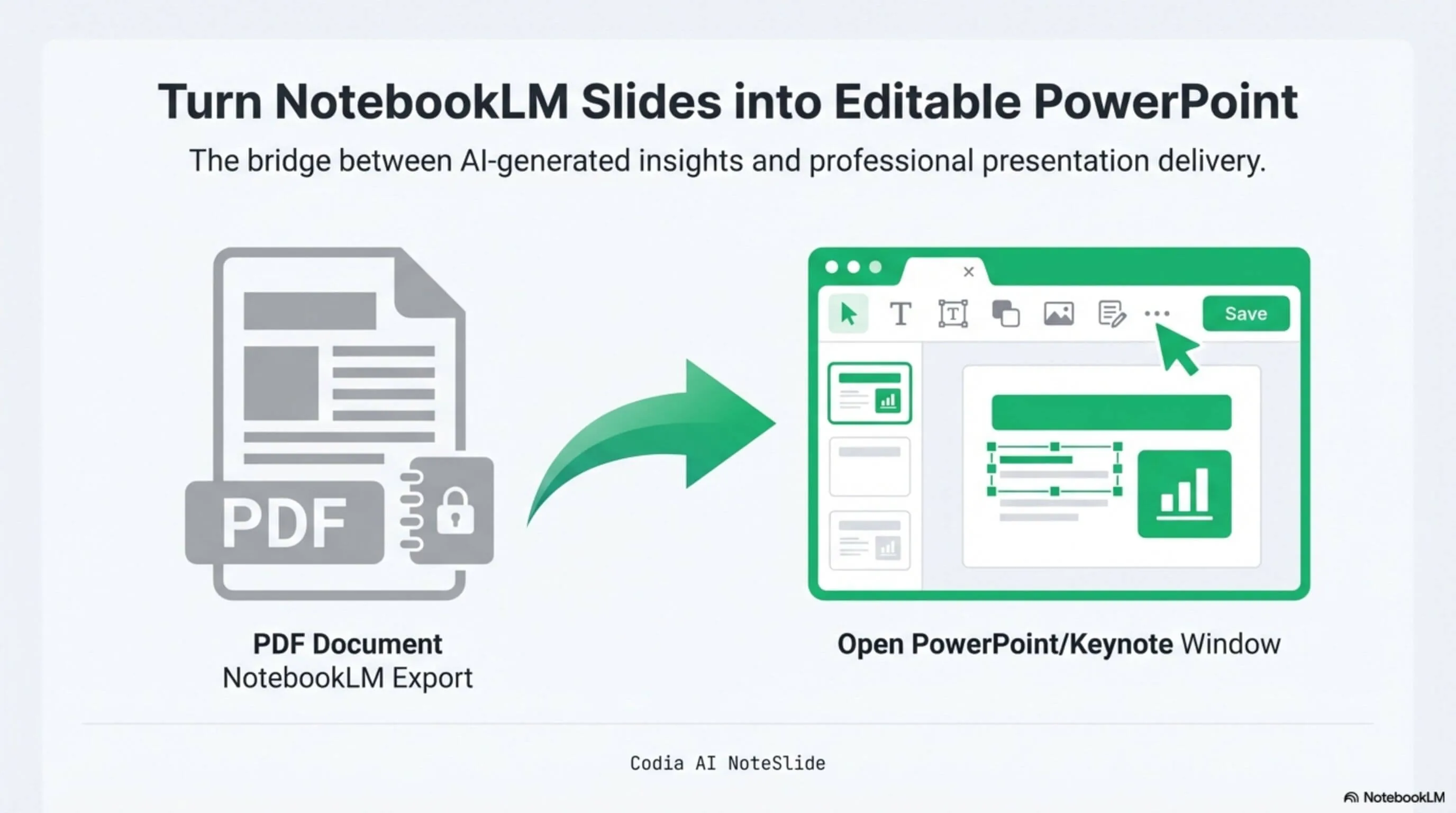
PDF slides to editable decks
Turn slide exports, PDFs, and image-based decks into editable presentation assets instead of rebuilding from scratch.
- Editable slide structure
- Reusable text and visuals
- Best with clean source files
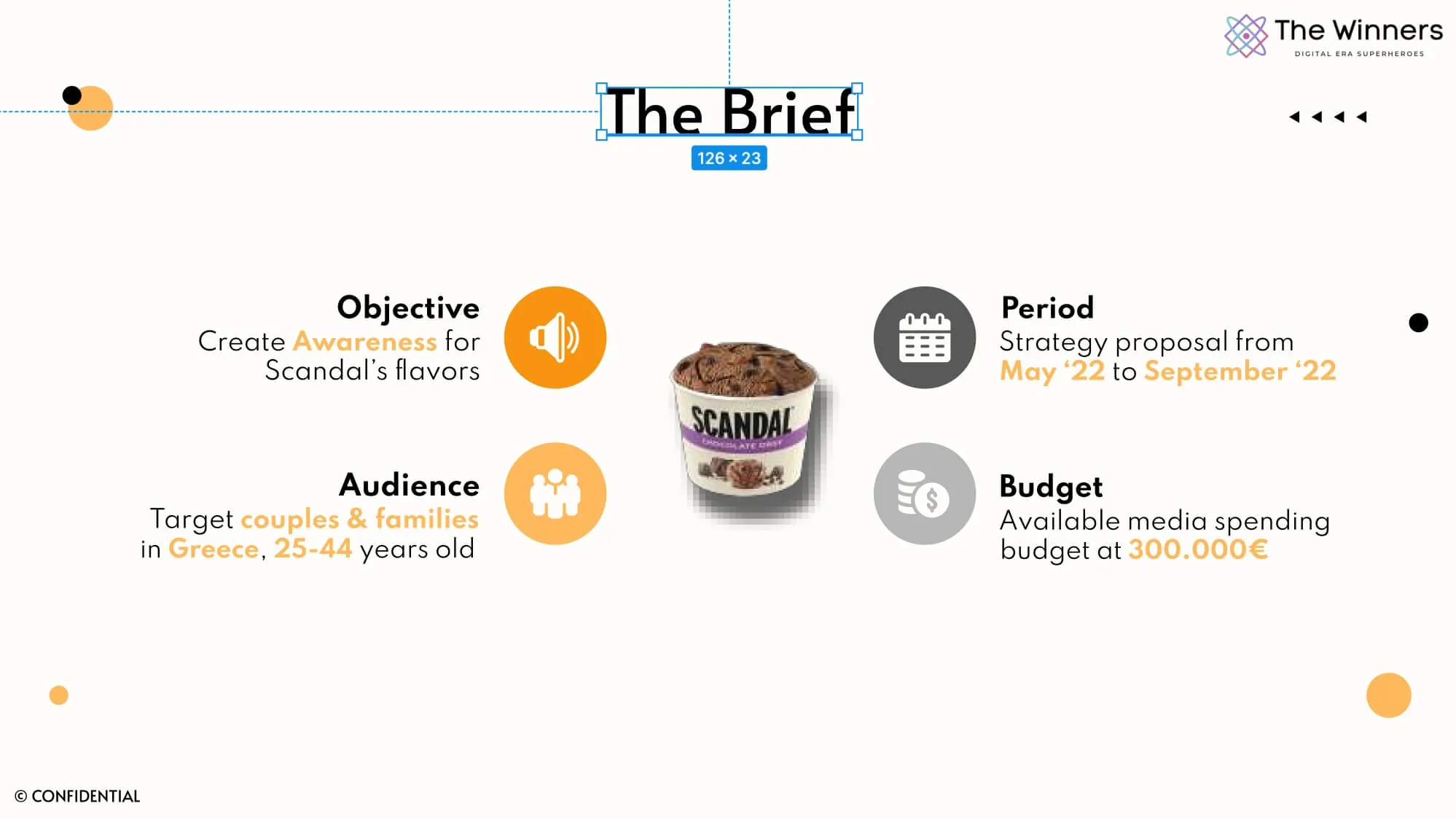
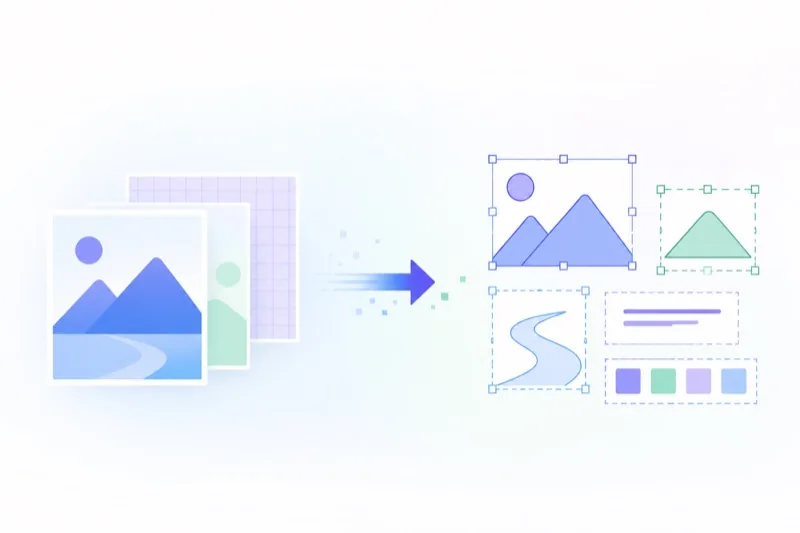
PDF to structured design
Extract visual structure from PDFs so teams can inspect, automate, and reuse design content with clearer handoff.
- Layer-oriented output
- Preserved layout intent
- OCR depends on source quality
One AI Platform. Multiple Editable Workflows.
Codia is not a single tool — it is a family of products built around editable reconstruction and format conversion.
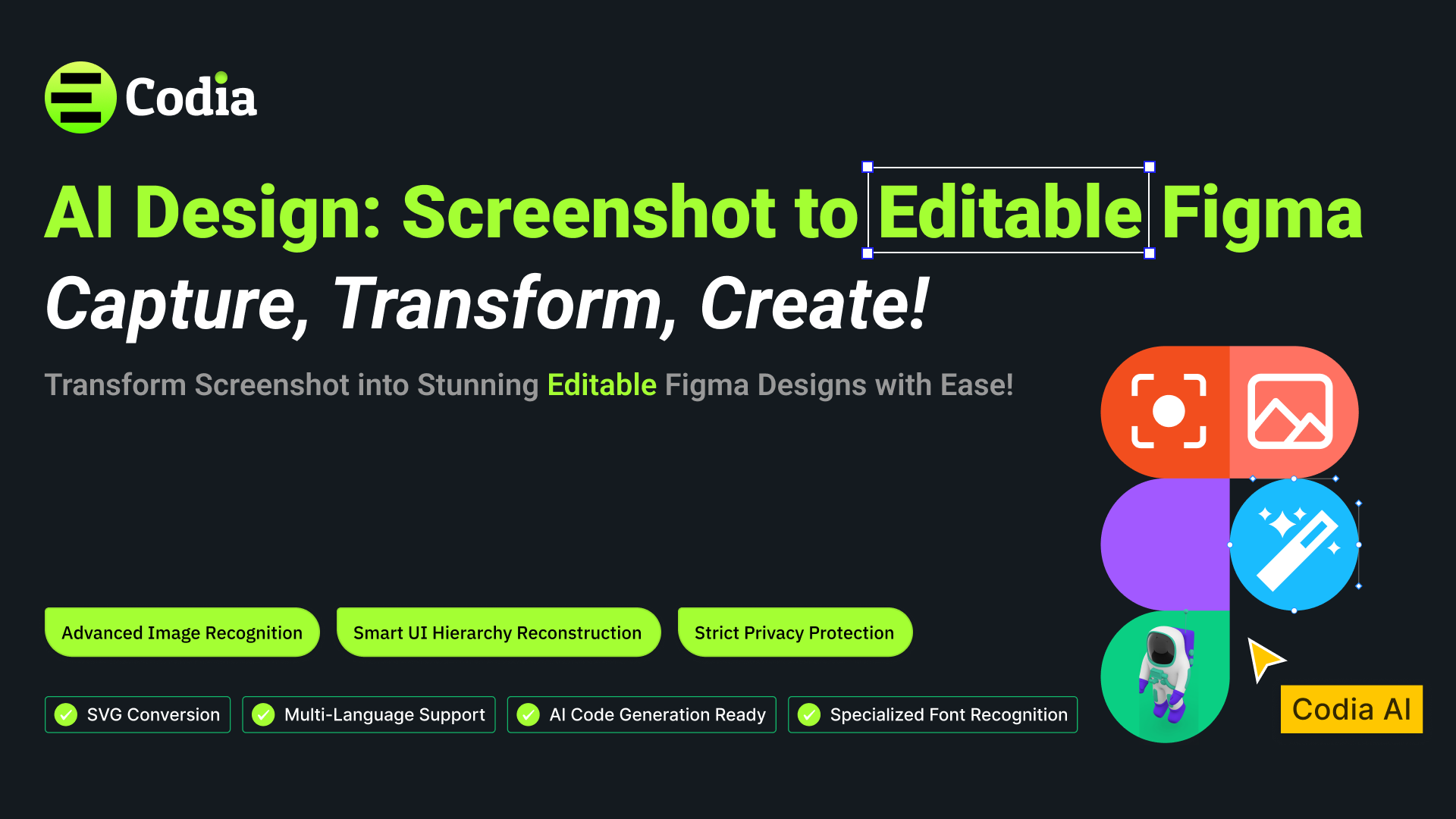
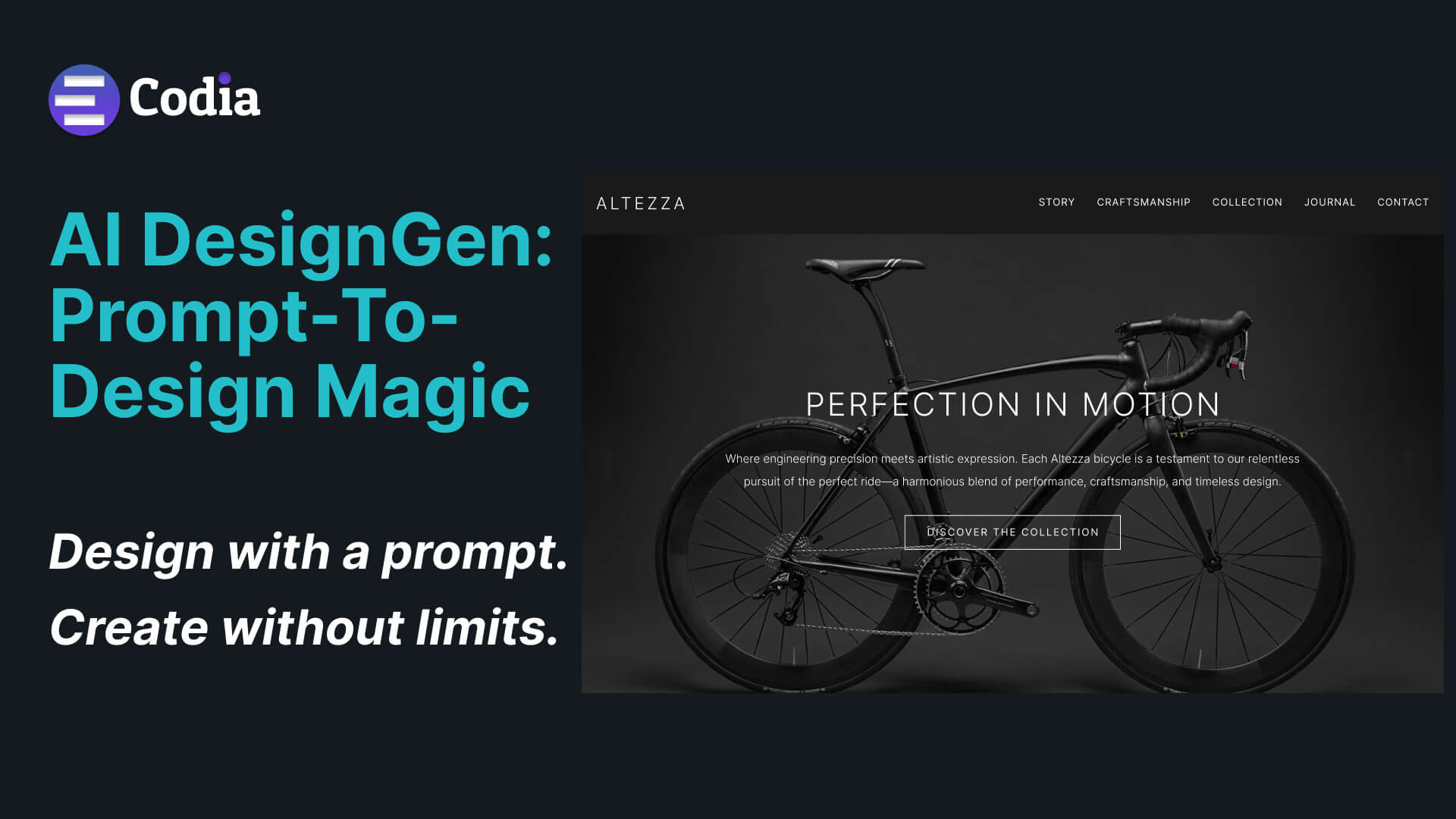
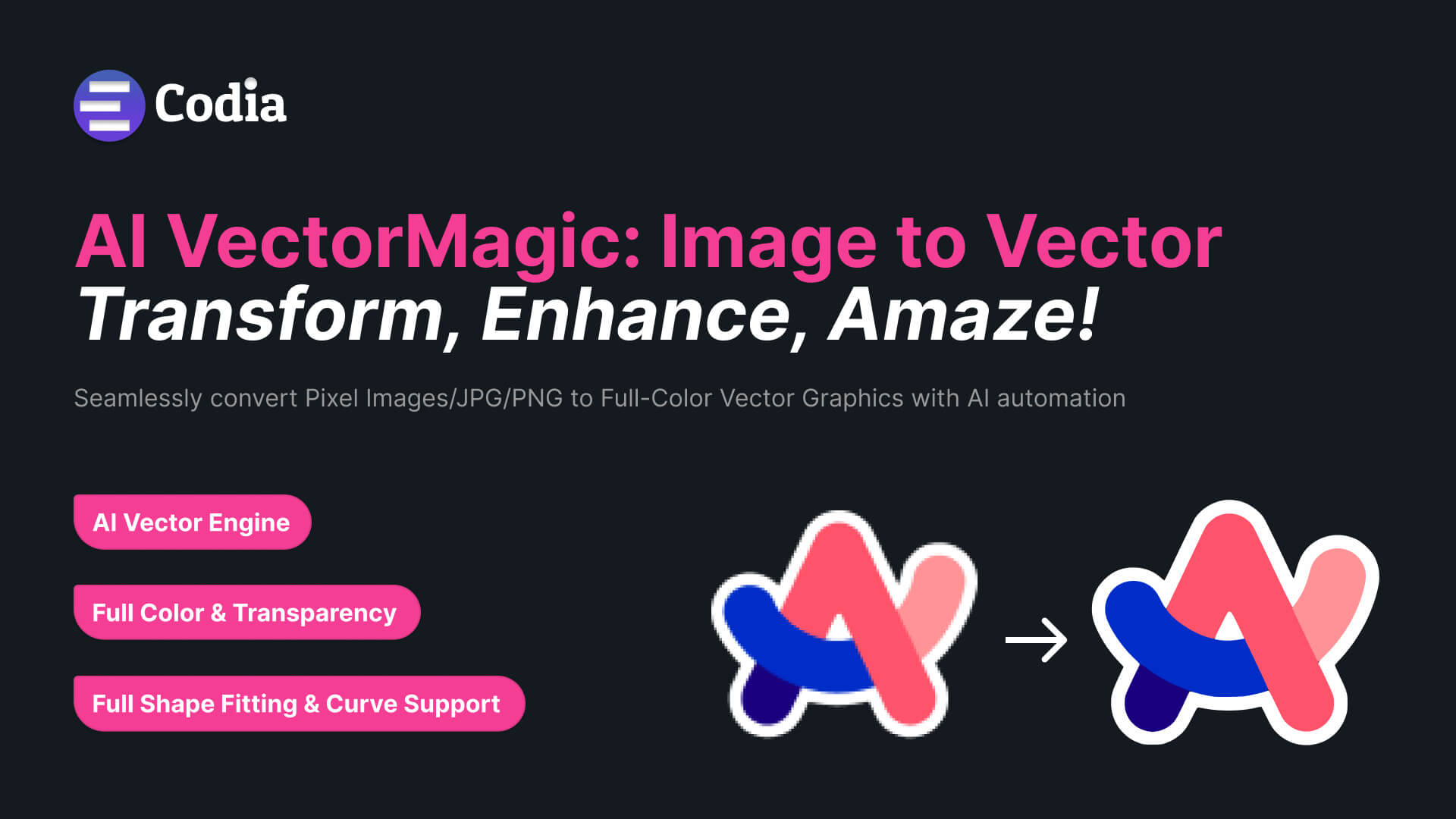
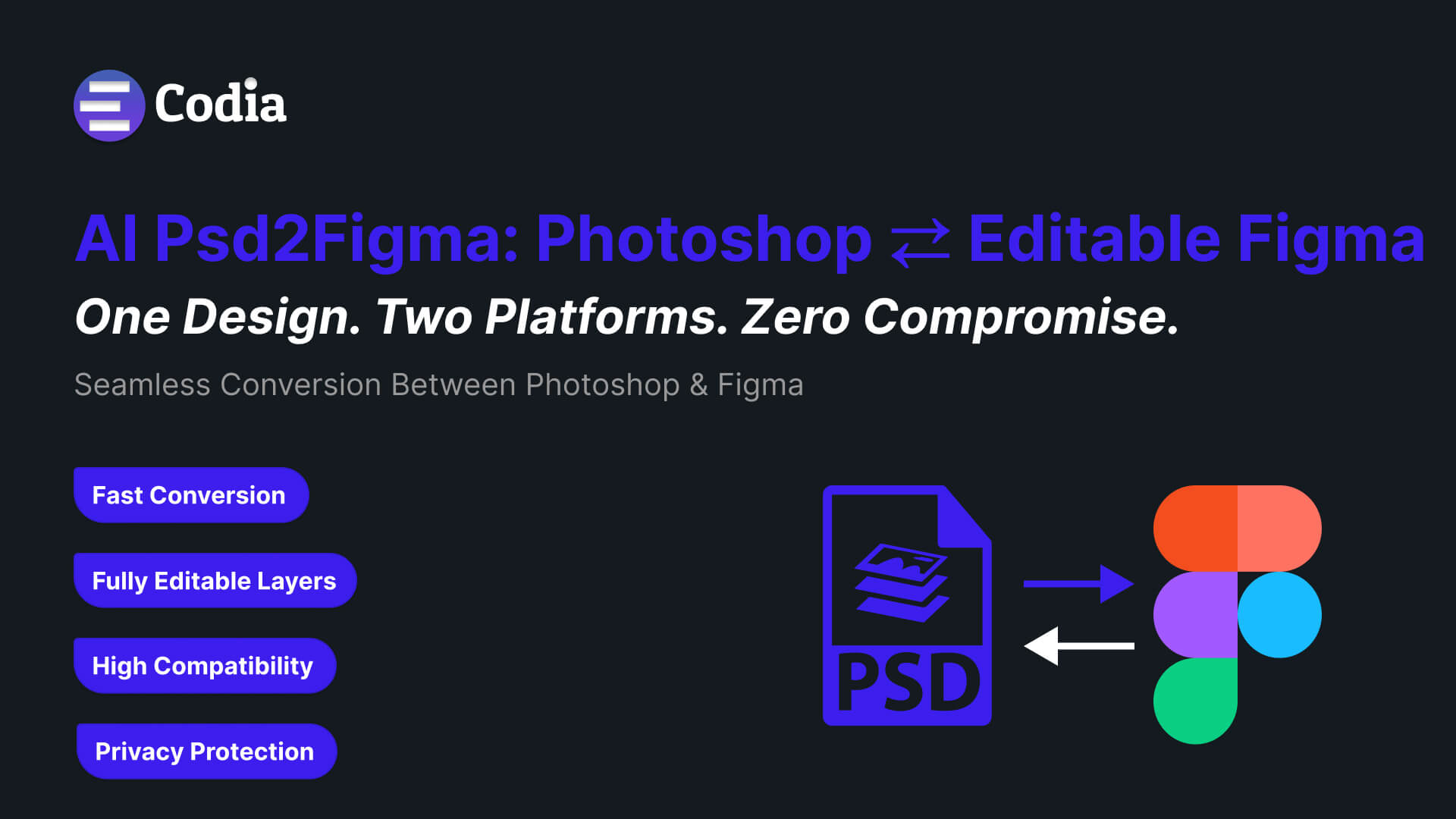
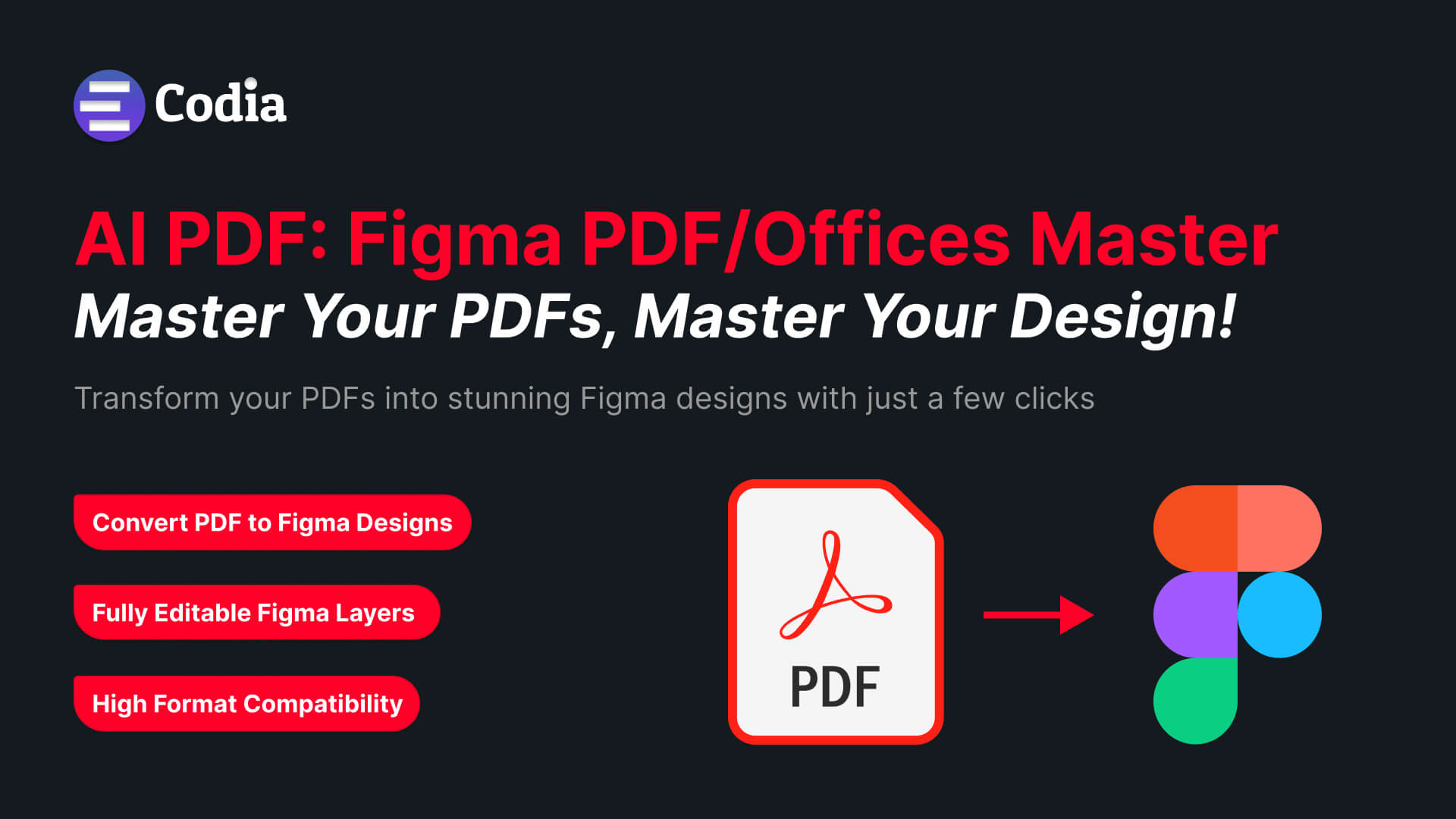
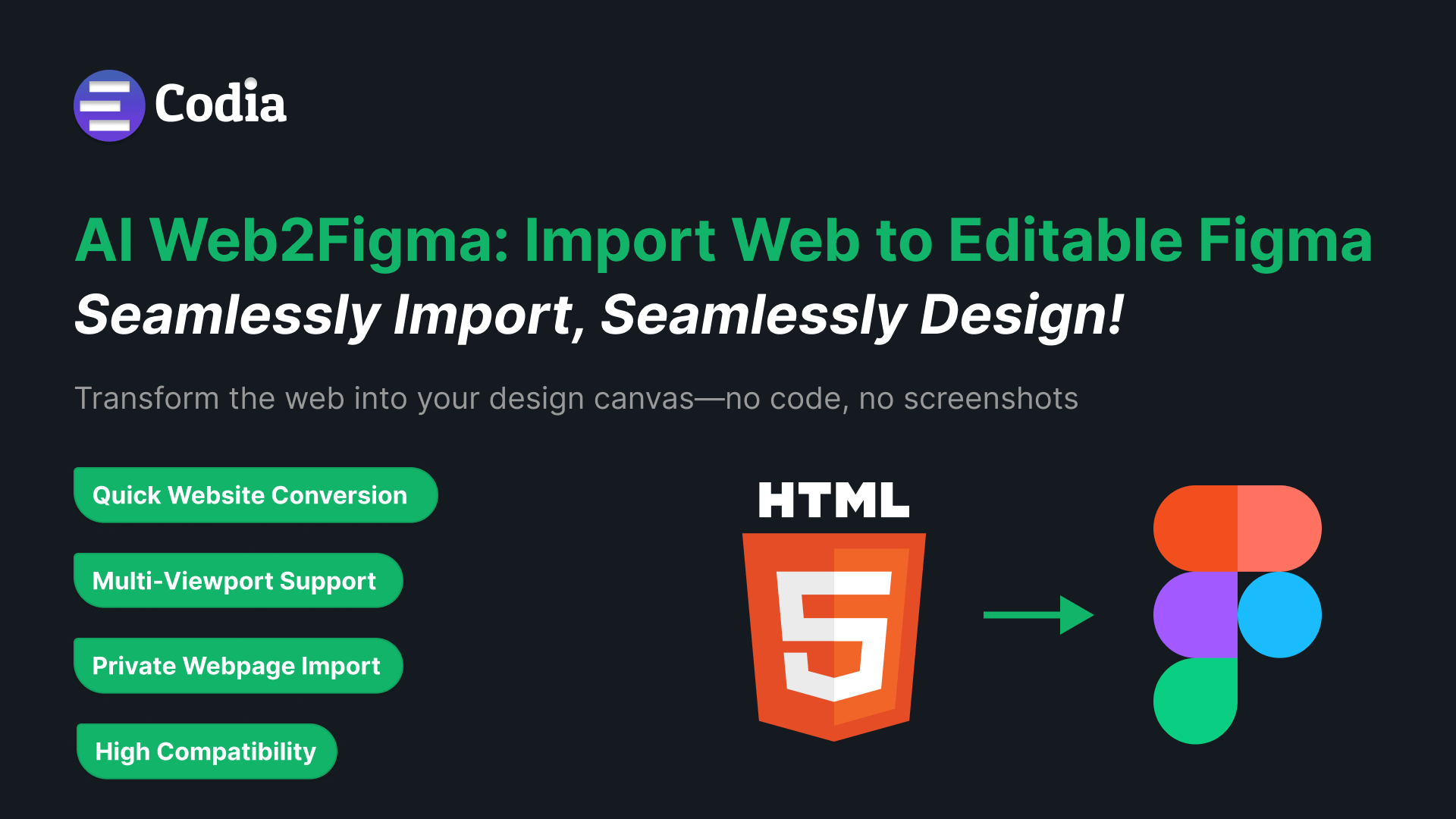
What Do You Want to Convert?
Pick your starting file. Codia routes it through the right product to bring you an editable result.
Input
Output
Recommended Product
- NotebookLM PDFEditable PowerPointNoteSlide
- DesignEditable JPG/PNG/SVG/FigmaStudio
- ScreenshotEditable FigmaFigma Plugins
- UI imageJSON / SVG / FigmaVisual Struct API
- Figma designCanvaCanva Plugins
- Poster imageEditable designStudio
- Product imageMockup / design assetStudio
- Blog visualPPT / SVG / FigmaStudio
Use Cases
Built for Every Visual Conversion Workflow
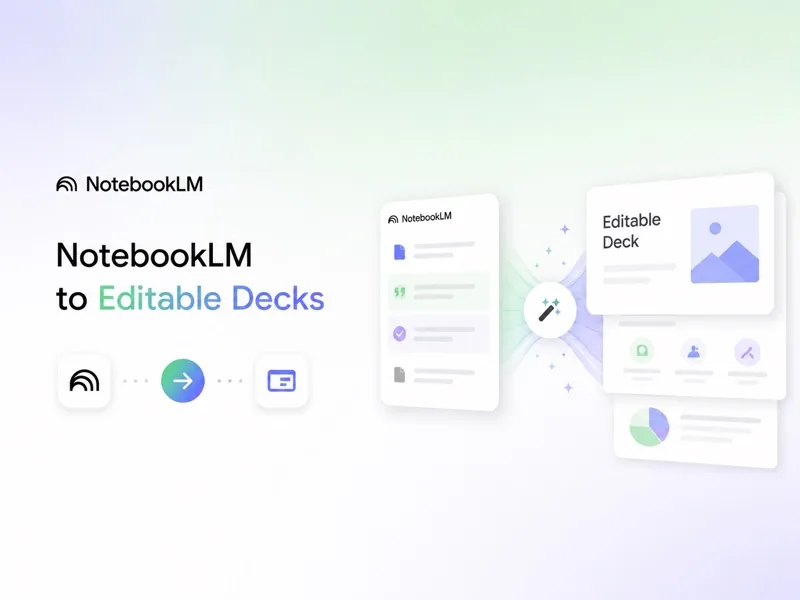


Technology Layer
Powered by Codia AI Vision
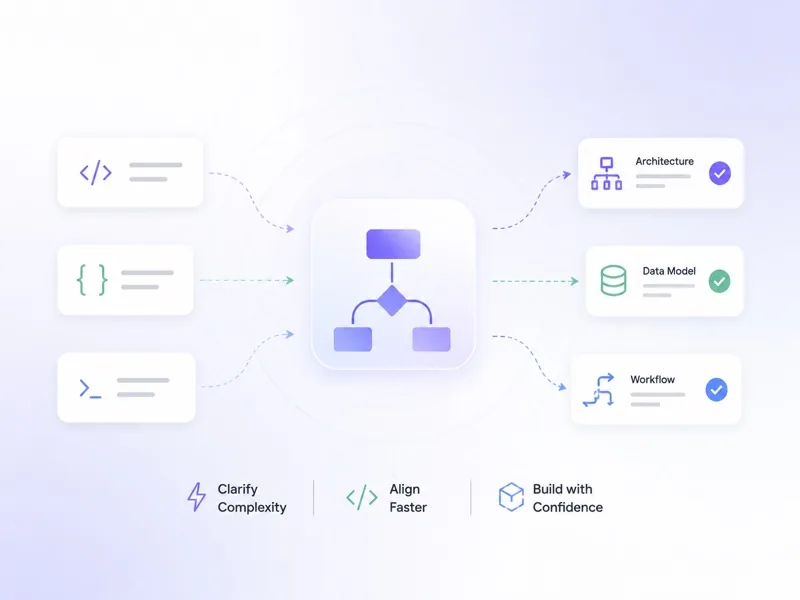
Codia AI Vision understands visual structure — text, shapes, layout, hierarchy, colors, and components — then reconstructs them into editable design formats.
Input Image
Decompose
Text Layer
Font Recognition
Shape Layer
Image Layer
Icon Layer
Layout Grid
Layout Understanding
Recognizes grids, sections, alignment, spacing, hierarchy, and composition.
Text & Typography Reconstruction
Detects text, font styles, hierarchy, and editable text blocks.
Shape & Layer Reconstruction
Rebuilds visual elements as editable shapes, vectors, and layers.
Format Conversion
Converts visual content into PowerPoint, Figma, Canva, SVG, JSON, and more.
Style Preservation
Preserves colors, spacing, visual rhythm, and design intent across formats.
Built For
Designed for Teams That Work with Visual Content

AI Design
Convert references, screenshots, and static visuals into editable design files.

Social Media
Create stunning social media content with AI-powered tools.

Branding
Create stunning branding assets with AI-powered tools.

AI Slides
Create stunning presentations from text, PDFs, or images with AI assistance.

Image to Code
Turn any UI screenshot into clean, production-ready frontend code instantly.

Design API
Use APIs to extract structure from visual interfaces and build AI-powered workflows.
Inspired by Codia
Get inspired by Codia's community of creators. See how designers are generating and editing stunning images and AI-generated visuals using AI text prompts.
View the InspirationEnterprise · API
Bring Editable Visual Conversion to Your Product or Team
Use Codia APIs and enterprise workflows to convert visual content at scale — from slides and screenshots to structured design assets.
- API access
- Team workspace
- Custom usage limits
- Enterprise billing
- Security review
- Workflow integration
- Priority support
- Custom output formats
Simple, Transparent Pricing
Flexible pricing that adapts to your needs. Choose from multiple products with transparent, usage-based pricing.
Flexible Pricing
Pay only for what you use with transparent, usage-based pricing
Scale with Your Team
From individual creators to enterprise teams, we grow with you
No Hidden Fees
Simple, straightforward pricing with no surprise charges
What You Get
- Multiple product options to fit your workflow
- Usage-based pricing for cost efficiency
- Free tier available for all products
- Enterprise solutions with custom pricing
- Cancel or upgrade anytime
- Volume discounts for large teams
Ready to Get Started?
Explore our detailed pricing options and find the perfect plan for your needs.
View Pricing DetailsFree tier available · No credit card required

Vision AI, Redefined
Codia AI is a technology company built on Vision AI. We teach machines to truly see and understand visual content — from UI screenshots to design files — and turn that understanding into actionable structure, code, and creative workflows.
Meet CodiaAt Codia, we build ready-to-use AI tools for every creator and developer.
FAQ
Frequently Asked Questions
What is Codia?
Codia is an AI platform for converting visual content into editable design assets. It helps turn slides, PDFs, screenshots, images, and design files into editable formats such as PowerPoint, Figma, Canva, Keynote, SVG, and JSON.
Is Codia an AI image generator?
Codia Studio includes AI visual creation features, but Codia as a platform focuses on editable reconstruction and format conversion — turning visual content into assets you can edit and reuse.
What products does Codia offer?
Codia includes Codia Studio, Codia NoteSlide, Codia Figma plugins, Codia Canva plugins, and Codia Visual Struct API.
What makes Codia different from traditional converters?
Traditional converters often preserve appearance but lose structure. Codia uses AI to understand layouts, text, shapes, layers, and visual hierarchy, then reconstructs them into editable formats.
Can Codia convert NotebookLM slides?
Yes. Codia NoteSlide can convert NotebookLM PDF exports and image-based slide files into editable PowerPoint or Keynote presentations.
Can Codia convert screenshots to Figma?
Yes. Codia Figma plugins and Visual Struct API can help convert screenshots, UI images, and visual references into editable Figma layers or structured design data.
Can I use Codia inside Canva?
Yes. Codia provides Canva apps and conversion workflows to help move designs between Canva, Figma, and other creative formats.
Does Codia offer an API?
Yes. Codia Visual Struct API helps developers convert visual content into structured data, SVG, Figma-compatible assets, or custom editable formats.
Is my design data private?
Yes. Your files and designs are yours. They are encrypted in transit with TLS 1.3 and at rest with AES-256, and they are never shared with third parties without your consent.
Will Codia train AI models on my uploads?
No. We do not use your uploaded files, designs, or generated content to train AI models. Your work stays yours.
Can I export or delete my data?
Anytime. You can export your files to standard formats (PPTX, Figma, Canva, SVG, JSON, and more) and delete your data from your account with one click.
How does Codia approach privacy requirements?
Codia is built with GDPR principles in mind — transparent data handling, configurable retention, and regional data residency options. See our privacy policy for full details.
Make Every Visual Editable
Convert slides, PDFs, screenshots, images, and design files into editable formats for PowerPoint, Figma, Canva, Keynote, SVG, and more.