
AI Watermark Remover
Remove Watermarks from Images with AI
Upload an authorized image with a sample mark, draft overlay, or watermark-like artifact and open Codia Studio with Remove Watermark ready.
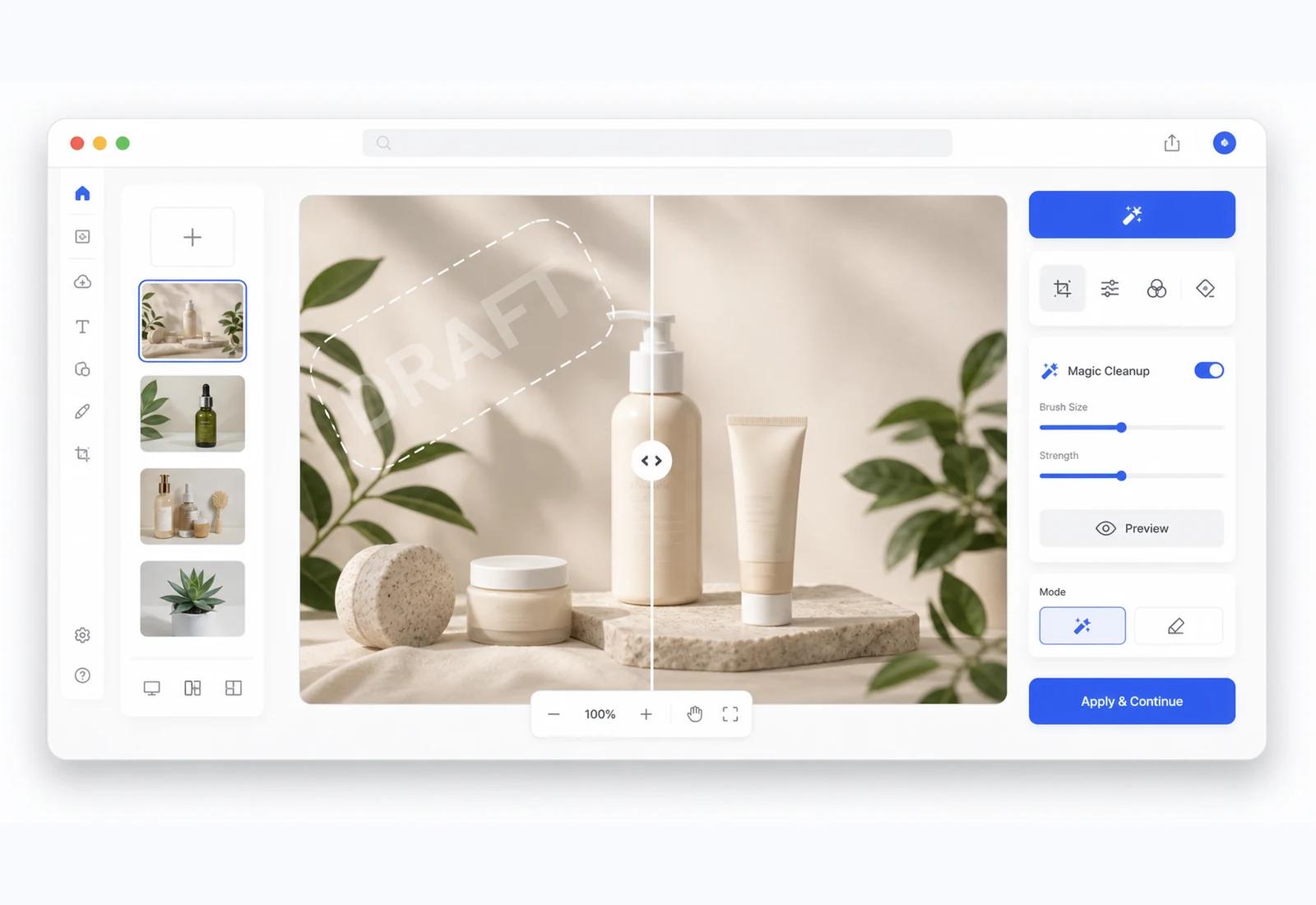
Studio workflow
Clean the image, keep editing after
Your image opens on the Studio canvas so the cleaned result can move directly into refinement, cleanup, compositing, or export.
Key advantage
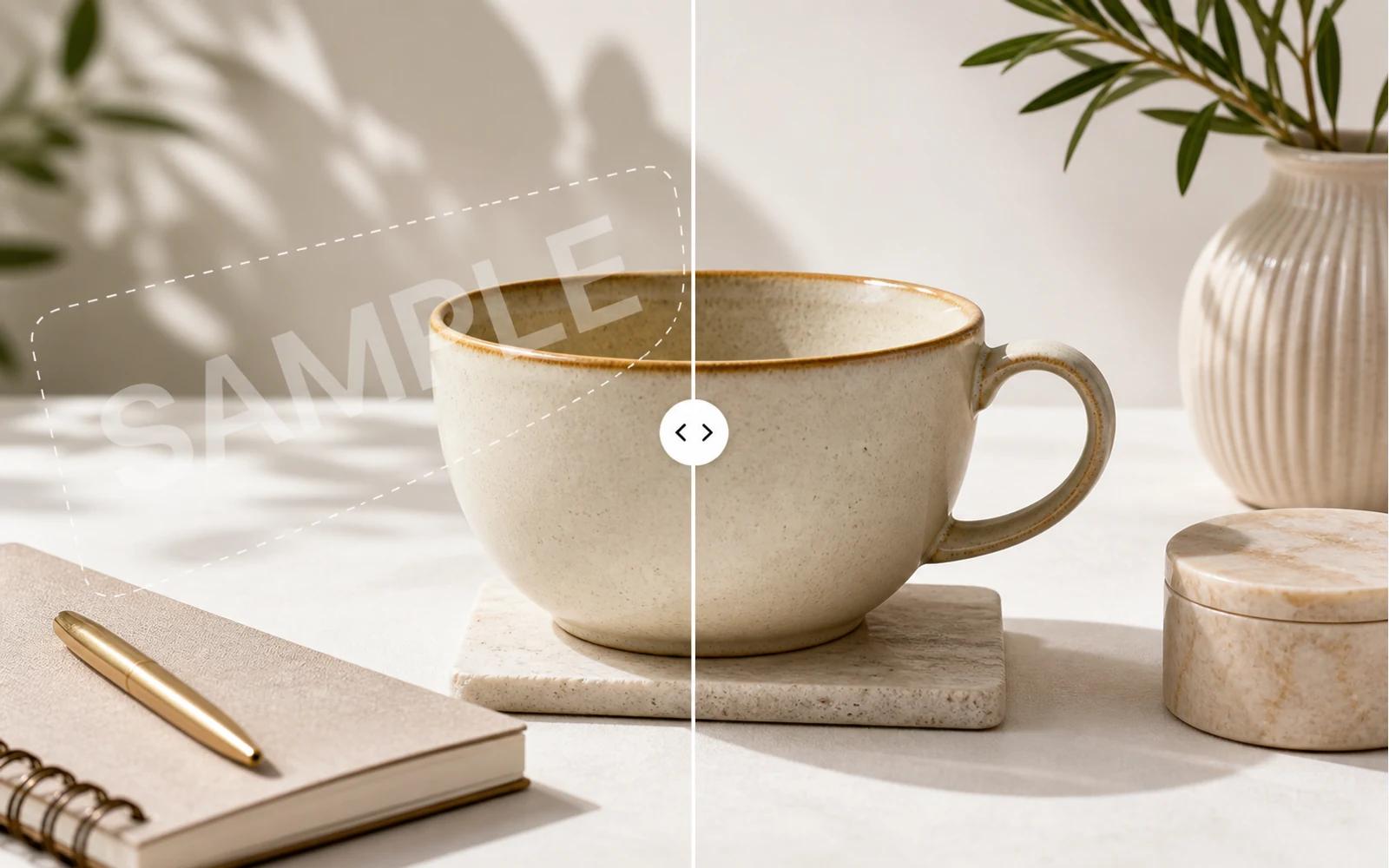
Clean up image watermarks with AI
Use AI to detect watermark-like overlays, text marks, and repeated sample patterns on images you own or have permission to edit.

Key advantage
Prepare clean visuals for design work
Restore authorized product images, social creatives, mockups, AI images, and presentation visuals before moving them into your next layout.
Key advantage
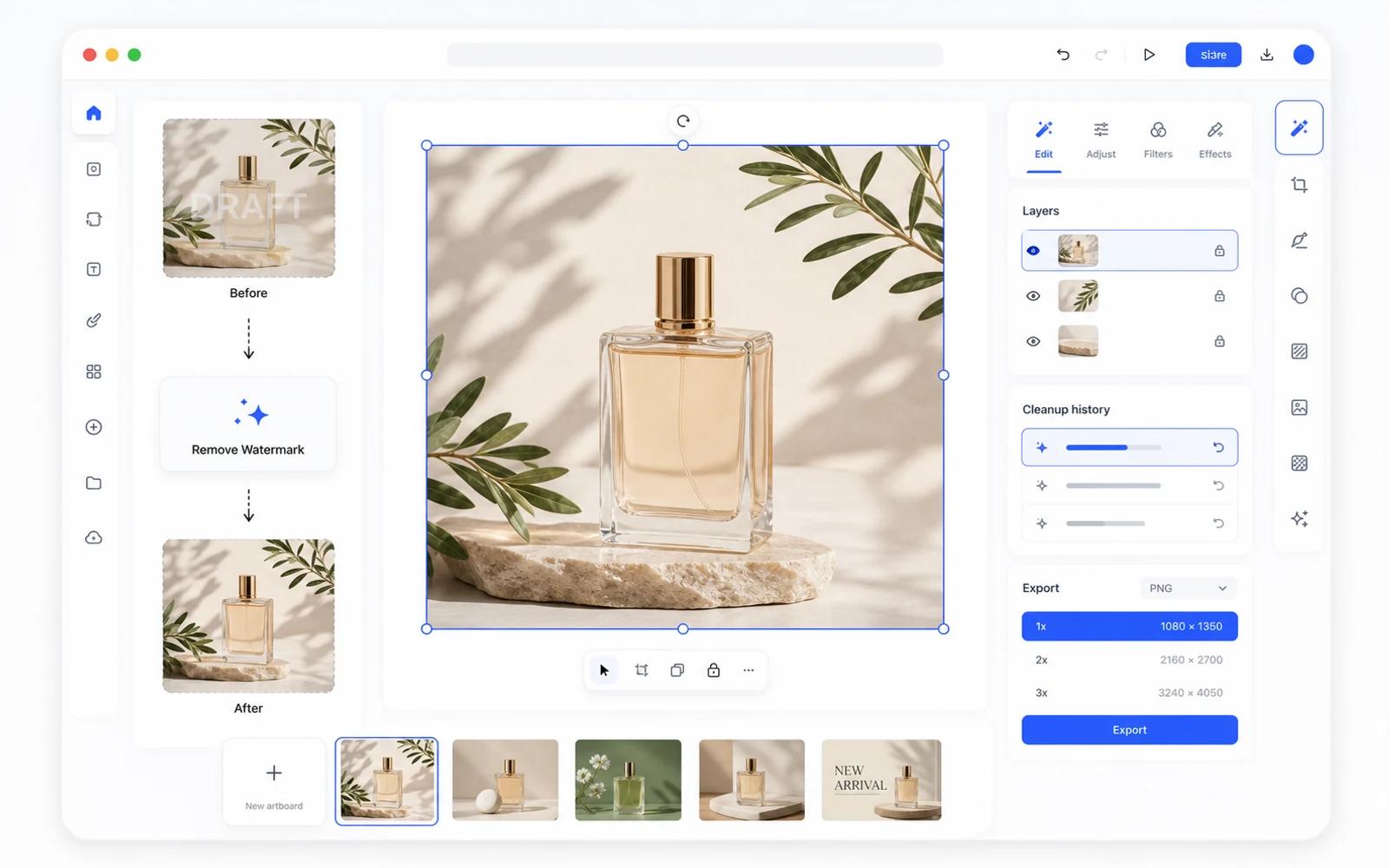
Keep editing after watermark removal
The cleaned image opens in Codia Studio, where you can remove backgrounds, edit elements, generate variations, upscale, or export.
Upload your image
Start with a JPG, PNG, WebP, screenshot, product image, social creative, or AI-generated visual.
Remove watermark in Studio
Codia opens the Studio canvas with the Remove Watermark tool selected so cleanup can start right away.
Review, refine, and export
Inspect the result, keep editing in Studio, then export the cleaned image for your next workflow.
FAQ
AI Watermark Remover FAQ
What image formats can I upload?
Upload common image formats such as JPG, PNG, WebP, and screenshots from your computer.
Does this open Codia Studio?
Yes. Uploading from this page opens Codia Studio with the image loaded and the Remove Watermark capability selected.
When should I use watermark removal?
Use it for images you own, generated images, draft exports, sample overlays, or assets you are authorized to edit. Do not remove ownership, copyright, or attribution marks without permission.
Will AI watermark removal always be perfect?
The result depends on the image, watermark opacity, texture, and overlap. Complex marks may need additional cleanup or manual refinement in Studio.
Can I keep editing after removing a watermark?
Yes. After the image is in Studio, you can use other AI image tools, adjust the canvas, and export the cleaned result.