
AI 배경 제거
이미지 배경을 즉시 제거
제품 사진, 인물 사진, AI 이미지, 디자인 에셋을 위한 전문 배경 제거 및 배경 편집 스튜디오입니다.
Use cases
Ready for commerce, content, and design workflows
Codia background removal is built for teams that need clean subject cutouts and a place to keep editing after the background is gone.
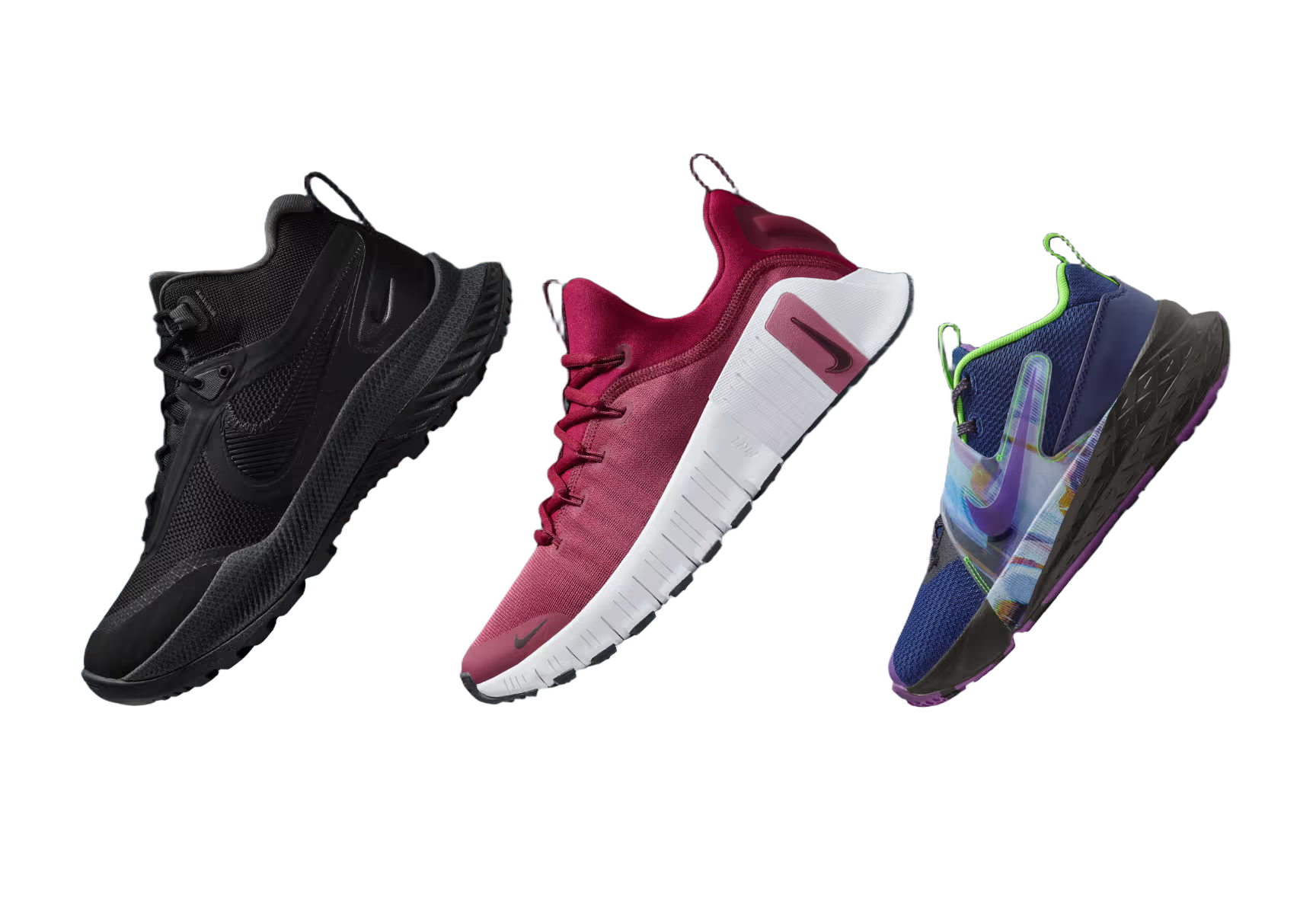
Product photos
Create clean marketplace and storefront images from ordinary product shots.

Portraits and avatars
Cut out people for profile graphics, thumbnails, and creator assets.

Stickers and social posts
Turn subjects into reusable transparent PNGs for content workflows.
Marketplace uploads
Standardize product visuals before publishing to commerce channels.
Design mockups
Drop transparent subjects into posters, ads, slides, and UI compositions.
AI image pipelines
Prepare generated images for remixing, compositing, and downstream edits.
AI 배경 제거
왜 Codia AI일까요
다른 배경 제거 제품에서 Codia로 옮긴 팀들이 돌아오지 않는 4가지 이유
더 빠른 API 응답
엣지 GPU 덕분에 Codia는 약 600ms만에 HD 컷아웃을 반환해요. 다른 제품은 보통 1–2초가 걸려요.
개발자 우선의 워크플로
네이티브 SDK, 타입화된 응답, 실시간 로그로 일반 대시보드 특유의 불확실성을 없애요.
투명한 요금제
모든 크레딧에 HD 출력과 이월이 포함되어 있고, 다른 제품처럼 업셀을 강요하지 않아요.
고정밀 세그멘테이션
거의 무제한의 오브젝트 카테고리를 지원하면서 깔끔한 엣지를 유지해요. 인식 정확도는 시장 내 대부분의 제품을 능가해요.
How it works
Upload once, continue editing in Studio
Upload any image
Start with product photography, portraits, screenshots, mockups, or AI-generated visuals.
Remove the background
Codia creates a Studio session and automatically runs Remove Background on the canvas image.
Keep designing
Use the transparent result in Studio for layout, compositing, variations, and export.
Developer API
Need background removal in your own product?
Use the same Codia Remove Background capability through the Open API for upload flows, automation, and creative pipelines.
https://api.codia.ai/v2/open/remove_bgcurl 'https://api.codia.ai/v2/open/remove_bg' \
-H 'Authorization: Bearer {codia_api_key}' \
-H 'Content-Type: application/json' \
--data '{
"image_url": "your image url"
}'{
"code": 0,
"message": "ok",
"data": {
"image_url": "https://processed-image-url.com/result.png"
}
}Developer API
개발자가 Codia를 사랑하는 이유
개발자가 개발자를 위해 만들었어요
레이트 리밋 없음
유료 사용자는 제약 없이 구축해요
글로벌 CDN
전 세계 어디서나 초고속 전송을 경험해요
깔끔한 엣지
복잡한 피사체에서도 완벽한 컷아웃을 만들어요
파이프라인 준비 완료
디자인 도구와 AI 워크플로를 위해 설계했어요
자주 묻는 질문
기존 도구에서 옮겨온 팀들과 매일 나누는 대화에서 가져왔어요.
Remove a background in Studio
Upload an image from the Hero and Codia will handle the cutout directly on the canvas.
이미지 업로드