
AI背景削除
画像の背景をすばやく削除
商品写真、ポートレート、AI 画像、デザイン素材に対応したプロ向けの背景削除・背景編集スタジオです。
Use cases
Ready for commerce, content, and design workflows
Codia background removal is built for teams that need clean subject cutouts and a place to keep editing after the background is gone.
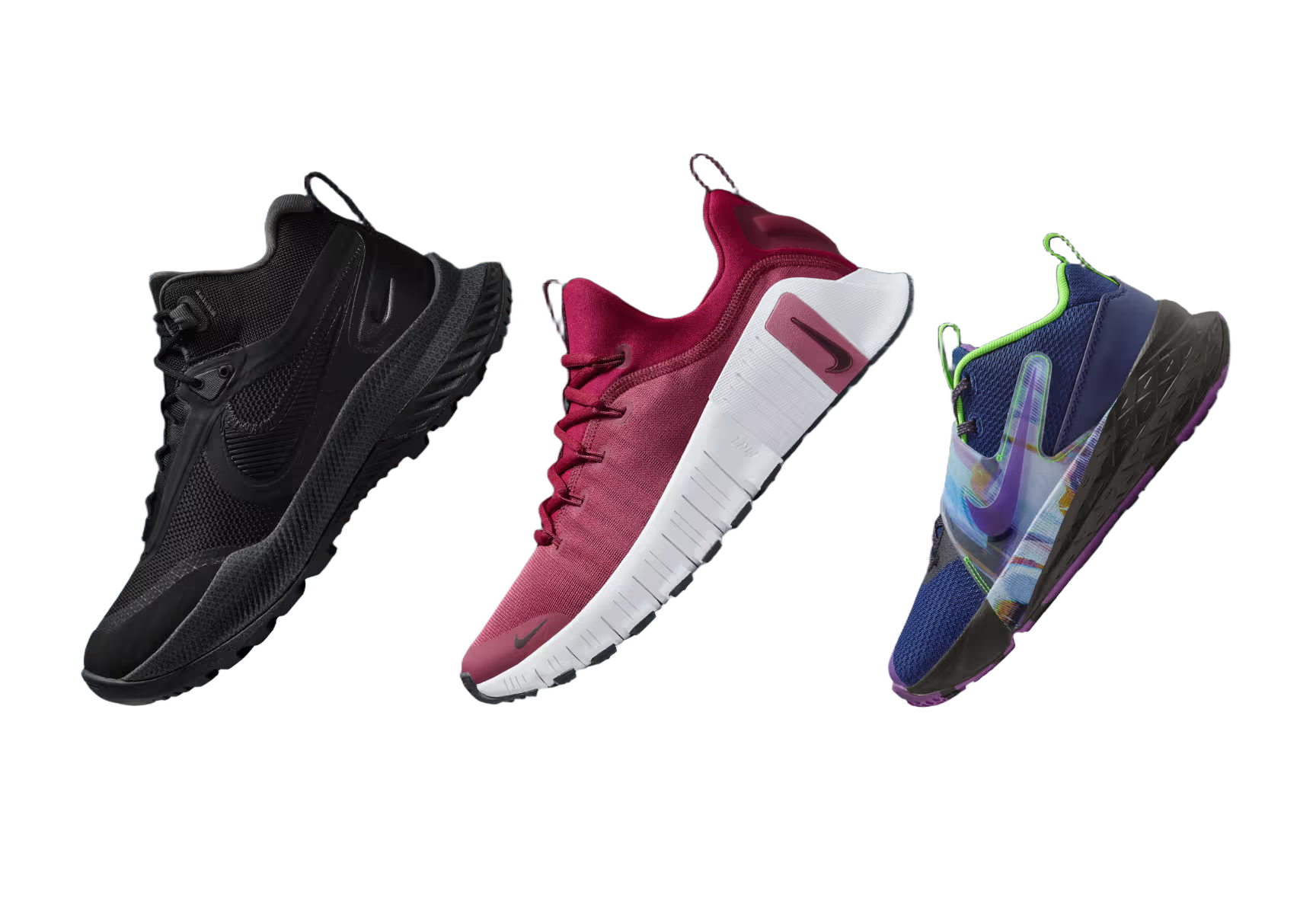
Product photos
Create clean marketplace and storefront images from ordinary product shots.

Portraits and avatars
Cut out people for profile graphics, thumbnails, and creator assets.

Stickers and social posts
Turn subjects into reusable transparent PNGs for content workflows.
Marketplace uploads
Standardize product visuals before publishing to commerce channels.
Design mockups
Drop transparent subjects into posters, ads, slides, and UI compositions.
AI image pipelines
Prepare generated images for remixing, compositing, and downstream edits.
AI背景削除
なぜ Codia AI か
他の背景除去製品から Codia に乗り換えて戻らない 4 つの理由
API レスポンスがより高速
エッジ GPU により、Codia は約 600ms で HD 品質の切り抜きを返します。他製品は 1〜2 秒が一般的です。
開発者ファーストなワークフロー
ネイティブ SDK、型付きレスポンス、ライブログにより、他製品の汎用ダッシュボードにありがちな曖昧さを排除します。
透明性のある価格体系
すべてのクレジットに HD 出力とロールオーバーが含まれており、他製品のような強制的なアップセルはありません。
高精度なセグメンテーション
ほぼ無制限のオブジェクトカテゴリに対応し、鮮明なエッジを実現。認識精度は市場のほとんどの製品を上回ります。
How it works
Upload once, continue editing in Studio
Upload any image
Start with product photography, portraits, screenshots, mockups, or AI-generated visuals.
Remove the background
Codia creates a Studio session and automatically runs Remove Background on the canvas image.
Keep designing
Use the transparent result in Studio for layout, compositing, variations, and export.
Developer API
Need background removal in your own product?
Use the same Codia Remove Background capability through the Open API for upload flows, automation, and creative pipelines.
https://api.codia.ai/v2/open/remove_bgcurl 'https://api.codia.ai/v2/open/remove_bg' \
-H 'Authorization: Bearer {codia_api_key}' \
-H 'Content-Type: application/json' \
--data '{
"image_url": "your image url"
}'{
"code": 0,
"message": "ok",
"data": {
"image_url": "https://processed-image-url.com/result.png"
}
}Developer API
開発者が Codia を選ぶ理由
開発者によって、開発者のために作られた
レート制限なし
有料ユーザーは制約のない開発が可能です
グローバル CDN
世界中で超高速に配信されます
クリーンなエッジ
複雑な被写体でも完璧な切り抜きが実現できます
パイプライン対応
デザインツールと AI ワークフロー向けに設計されています
よくある質問
レガシーツールから乗り換えたチームとの日々の会話を掲載しています。
Remove a background in Studio
Upload an image from the Hero and Codia will handle the cutout directly on the canvas.
画像をアップロード